
The Construction Workflow Audit Guide
A workflow audit reveals where your operations are leaking time, money, and accuracy. This guide walks you through auditing your construction workflows step by step.
The Problem
You can't improve what you haven't measured. Most construction companies have never formally audited their workflows. They know things are slow or frustrating, but they can't quantify where time is lost, where errors originate, or where bottlenecks exist.
A workflow audit changes that. It gives you a data-driven understanding of your operations that makes improvement decisions clear and investment justification straightforward.
The Audit Process
Step 1: Select workflows to audit. Start with your 3-5 most critical workflows. For most contractors: change order management, field reporting, billing/pay applications, submittal management, and project closeout.
Step 2: Map the current state. For each workflow, document every step from initiation to completion. Include:
- Who initiates the process
- Each handoff point (person to person or system to system)
- Decision points and criteria
- Where information is entered, re-entered, or transformed
- What systems are involved
- Where physical documents are involved
Step 3: Measure performance. For each workflow, collect:
- Average cycle time (start to finish)
- Number of handoffs
- Time spent at each step
- Error or rework rate
- Number of follow-ups required
- Hours of manual effort per occurrence
Step 4: Identify waste. Look for:
- Waiting: Time items spend sitting in queues or inboxes
- Duplication: Data entered into multiple systems
- Rework: Corrections needed due to errors or missing information
- Over-processing: Steps that add no value
- Motion: People tracking down information or chasing approvals
Step 5: Quantify the cost. Convert waste into dollars:
- Admin hours × hourly rate = labor cost of manual processes
- Approval delays × average daily project cost = delay cost
- Error rate × average correction cost = rework cost
- Missing documentation × risk exposure = compliance cost
The Audit Report
Your audit should produce:
Current state maps for each workflow showing every step, handoff, and system involved.
Performance metrics showing cycle times, error rates, and resource consumption.
Waste analysis identifying specific types of waste at specific points in each workflow.
Cost quantification translating waste into annual dollar amounts.
Priority ranking of workflows by improvement opportunity; which ones offer the biggest return if fixed.
Improvement recommendations for each workflow; what should be automated, what should be redesigned, what should be eliminated.
What to Do With the Results
The audit gives you a roadmap:
Quick wins. Improvements that can be implemented in weeks with minimal investment. Usually simple automations, elimination of duplicate steps, or standardization of inconsistent processes.
Medium-term projects. Workflow redesign and digitization that takes 1-3 months. Custom software builds, integration projects, or platform implementations.
Strategic initiatives. Major operational changes that transform how you work. Full workflow automation, comprehensive integration, or custom system builds.
The Framework
Conduct a workflow audit when:
- You're growing and operations feel increasingly strained
- You're considering a major technology investment
- You're experiencing recurring operational problems
- Leadership wants to understand where time and money go
- You're planning for organizational growth
The audit is the starting point for every successful technology initiative. It turns anecdotal frustration into actionable data.
Ready to build a tech stack that fits your operation?
Let's talk about what your company actually needs.
Start the ConversationStack Exposure Calculator
Add up what you're actually paying for software subscriptions. No hidden multipliers, just your tools and your total.
See Your ExposureOperational Leakage Model
Estimate what your workflow structure costs in wasted time, duplicate effort, and labor leakage every month.
Model Your LeakageWe build this
More in Workflow Automation
Construction Workflow Automation: A Practical Guide for Contractors
Workflow automation in construction means building systems that move information, approvals, and decisions through your company without someone having to manually push every step forward.
Automating Change Orders in Construction: Stop Losing Money on Manual Processes
Change orders are where construction companies lose money they don't even know they're losing. Automating the process isn't optional for growing contractors.

Automating Field Reporting: Getting Real Data from the Jobsite to the Office
Field reports are only valuable if they actually reach the people who need them in a format they can use. Most construction companies fail at this basic requirement.
Construction Approval Workflows: How to Stop Bottlenecks from Killing Your Schedule
Approval bottlenecks are one of the most expensive problems in construction. Most of them are completely avoidable with the right workflow systems.

Construction Process Automation: A Practical Approach for Growing Companies
Process automation in construction doesn't require a massive digital transformation. It starts with one broken process and a commitment to fixing it properly.

Workflow Routing for Contractors: Getting Information to the Right Person Automatically
Most information in a construction company gets to the right person eventually. The problem is 'eventually' costs time, money, and sometimes projects.
Internal Workflow Systems: The Infrastructure Your Construction Company Is Missing
Most construction companies have project management software. Almost none have internal workflow systems. That gap is where operational efficiency lives.

What Is Workflow-First Construction Software
Workflow-first means building software around how your crews actually work; not forcing your operation into someone else's template. Here's what that looks like in practice.
Designing Software Around How Crews Actually Work
Software designed in offices for office people fails in the field. Construction software must be designed around the realities of crew-level operations.

Field-Driven Software Design Explained
Field-driven design means the people who do the work define what the software does. It's the only approach that produces tools construction teams actually use.
How Construction Workflows Should Drive Technology
Technology should serve your workflows, not define them. When you let software vendors dictate how your company operates, you lose what makes you competitive.
Why Process Mapping Comes Before Platforms
Buying software before mapping your processes is like buying materials before reading the plans. Process mapping is the foundation for every good technology decision.
Turning Construction SOPs Into Software Systems
Your standard operating procedures should drive your software, not sit in a binder nobody reads. Here's how to translate operational standards into working digital systems.
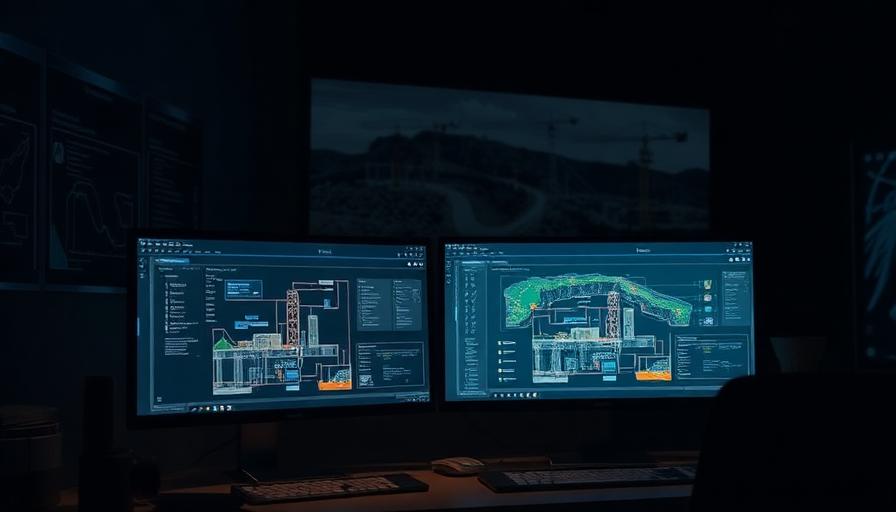
Workflow Engineering for Contractors
Workflow engineering is the discipline of designing, building, and continuously improving the operational processes that run your construction company.
How to Digitize a Construction Workflow Correctly
Digitizing a workflow isn't just moving paper to screens. Done right, it transforms how information flows. Done wrong, it's expensive digital paperwork.

The Right Way to Modernize Construction Operations
Modernizing construction operations isn't about buying new technology. It's about intentionally redesigning how your company works and building technology to support it.

Custom Workflow Systems vs Templates
Templates promise quick implementation. Custom systems deliver lasting fit. Understanding the tradeoff helps you choose the right approach for your construction company.
Why Field Context Matters in Software Design
Software designed without field context misses the environment, constraints, and realities that determine whether technology gets used or abandoned.
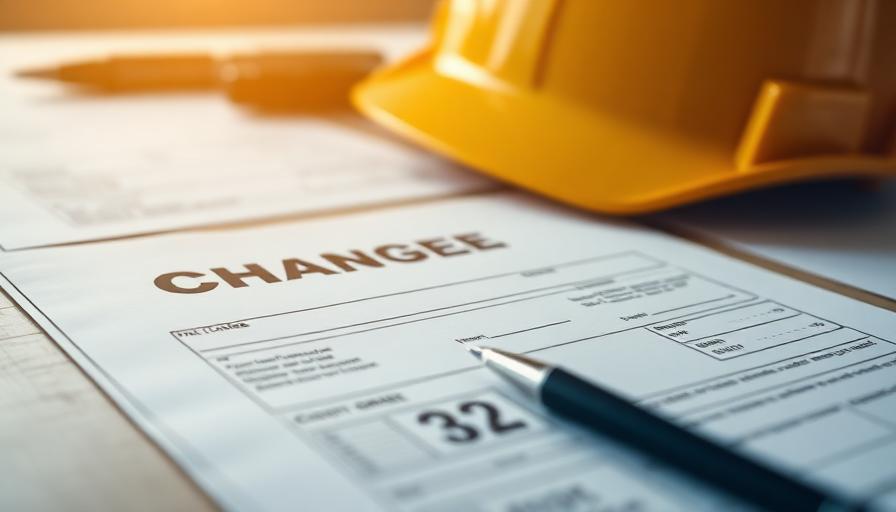
Software That Understands Change Orders, Not Just Tickets
Generic project management tools treat change orders like tickets. Construction-native software understands the financial, contractual, and operational implications of every scope change.

Why Construction Communication Drives Software Design
How construction teams communicate should determine how construction software is designed. Most software ignores this and fails because of it.
Construction Is Workflow Dense, Not Feature Dense
Construction doesn't need software with more features. It needs software that handles complex, interconnected workflows. The difference determines whether technology helps or hinders.