
Automating Field Reporting: Getting Real Data from the Jobsite to the Office
Field reports are only valuable if they actually reach the people who need them in a format they can use. Most construction companies fail at this basic requirement.
The Field Reporting Gap
Every construction company generates field data. Daily logs. Safety observations. Progress photos. Quality inspections. Equipment tracking. Labor allocation.
The question isn't whether this data exists. It's whether it actually makes it to the people who need it in a form they can use.
In most companies, field reporting is a one way dump. Supers fill out forms or write notes. They might upload them to the PM software. They might text photos. They might fill out paper forms that get filed in a trailer and never looked at again.
The office team rarely sees field data in real time. When they do see it, it's in raw form that requires interpretation. And the data almost never connects to other systems, such as the project budget, the schedule, or the client reporting.
That's the gap. And it's costing companies visibility, accountability, and money.
What Field Reporting Should Actually Do
Effective field reporting isn't about generating documents. It's about creating structured data that flows into the systems where decisions get made.
A daily log shouldn't just record what happened. It should automatically flag issues that need attention, update progress metrics on the project dashboard, and notify the PM if something deviates from the plan.
A safety observation shouldn't just satisfy a compliance requirement. It should feed into a safety tracking system that identifies patterns, tracks corrective actions, and provides real data for safety meetings.
Progress photos shouldn't sit in someone's camera roll. They should be tagged to specific locations, linked to schedule activities, and accessible to anyone who needs to see project status.
Building Automated Field Reporting
Automating field reporting involves three layers:
Data capture. The forms and tools your field teams use to input information. These need to be mobile first, fast, and designed around construction workflows. Nobody in the field has time to fill out a 30 field form at the end of a long day.
The key is structured data. Instead of a free text daily log, use forms with specific fields: weather conditions, crew counts by trade, work completed by location, safety observations, equipment on site. This structure is what makes the data useful downstream.
Data routing. When a report is submitted, what happens next? Automated routing means the right people get the right information immediately. The PM sees a summary. The safety director gets flagged observations. The project executive sees progress metrics. Leadership dashboards update automatically.
Data integration. Field data should connect to your other systems. Labor hours from daily reports should reconcile with timesheets. Progress data should update schedule tracking. Safety data should feed compliance reporting.
Making Field Teams Actually Use It
The biggest challenge with any field reporting system is adoption. If your supers and foremen don't use it, the data doesn't exist.
Keep it fast. A daily report should take five minutes, not thirty. If it takes too long, people will skip it or rush through it with garbage data.
Make it mobile native. Field teams work from their phones. The reporting tool needs to work well on a phone, not just technically function on one.
Show them the value. When a super sees that their report automatically updated the project dashboard and flagged an issue that got resolved the same day, they understand why the system matters.
Don't add without removing. If you're asking field teams to do digital reporting, eliminate the duplicate paperwork. Nobody should be filling out both a digital form and a paper form.
What You Get When It Works
When field reporting is automated effectively:
Leadership has real time visibility. Project status, labor utilization, safety metrics, and progress data are available without anyone having to compile a report.
Issues get caught early. Flagged observations and threshold alerts surface problems before they become expensive. A productivity dip shows up in data before it shows up in budget overruns.
Documentation is complete. When you need field data for a dispute, a claim, or an audit, it's all there. Structured, searchable, and time stamped.
Decision quality improves. When decisions are based on real field data instead of anecdotal updates, they tend to be better decisions.
The Bottom Line
Field reporting automation isn't about paperwork. It's about turning the information your field teams generate every day into structured data that flows to the people and systems that need it. The goal is visibility, accountability, and better decisions.
Build it simple enough that your field teams will actually use it. Build it connected enough that the data goes where it needs to go. Build it smart enough that it surfaces what matters instead of burying it in noise.
Ready to build a tech stack that fits your operation?
Let's talk about what your company actually needs.
Start the ConversationStack Exposure Calculator
Add up what you're actually paying for software subscriptions. No hidden multipliers, just your tools and your total.
See Your ExposureOperational Leakage Model
Estimate what your workflow structure costs in wasted time, duplicate effort, and labor leakage every month.
Model Your LeakageWe build this
More in Workflow Automation
Construction Workflow Automation: A Practical Guide for Contractors
Workflow automation in construction means building systems that move information, approvals, and decisions through your company without someone having to manually push every step forward.
Automating Change Orders in Construction: Stop Losing Money on Manual Processes
Change orders are where construction companies lose money they don't even know they're losing. Automating the process isn't optional for growing contractors.

Construction Approval Workflows: How to Stop Bottlenecks from Killing Your Schedule
Approval bottlenecks are one of the most expensive problems in construction. Most of them are completely avoidable with the right workflow systems.

Construction Process Automation: A Practical Approach for Growing Companies
Process automation in construction doesn't require a massive digital transformation. It starts with one broken process and a commitment to fixing it properly.

Workflow Routing for Contractors: Getting Information to the Right Person Automatically
Most information in a construction company gets to the right person eventually. The problem is 'eventually' costs time, money, and sometimes projects.
Internal Workflow Systems: The Infrastructure Your Construction Company Is Missing
Most construction companies have project management software. Almost none have internal workflow systems. That gap is where operational efficiency lives.
What Is Workflow-First Construction Software
Workflow-first means building software around how your crews actually work; not forcing your operation into someone else's template. Here's what that looks like in practice.
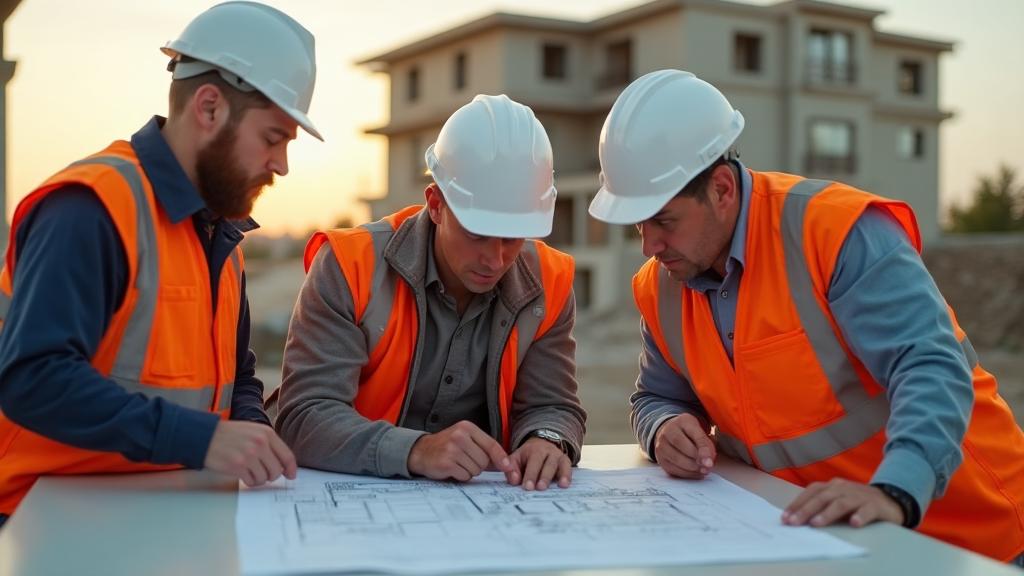
Designing Software Around How Crews Actually Work
Software designed in offices for office people fails in the field. Construction software must be designed around the realities of crew-level operations.

Field-Driven Software Design Explained
Field-driven design means the people who do the work define what the software does. It's the only approach that produces tools construction teams actually use.
How Construction Workflows Should Drive Technology
Technology should serve your workflows, not define them. When you let software vendors dictate how your company operates, you lose what makes you competitive.

Why Process Mapping Comes Before Platforms
Buying software before mapping your processes is like buying materials before reading the plans. Process mapping is the foundation for every good technology decision.
Turning Construction SOPs Into Software Systems
Your standard operating procedures should drive your software, not sit in a binder nobody reads. Here's how to translate operational standards into working digital systems.
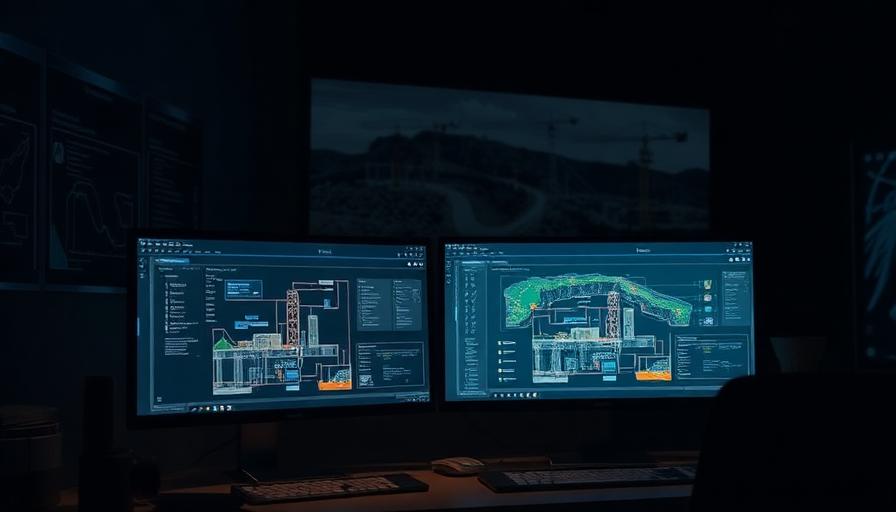
Workflow Engineering for Contractors
Workflow engineering is the discipline of designing, building, and continuously improving the operational processes that run your construction company.

How to Digitize a Construction Workflow Correctly
Digitizing a workflow isn't just moving paper to screens. Done right, it transforms how information flows. Done wrong, it's expensive digital paperwork.
The Right Way to Modernize Construction Operations
Modernizing construction operations isn't about buying new technology. It's about intentionally redesigning how your company works and building technology to support it.

Custom Workflow Systems vs Templates
Templates promise quick implementation. Custom systems deliver lasting fit. Understanding the tradeoff helps you choose the right approach for your construction company.

The Construction Workflow Audit Guide
A workflow audit reveals where your operations are leaking time, money, and accuracy. This guide walks you through auditing your construction workflows step by step.
Why Field Context Matters in Software Design
Software designed without field context misses the environment, constraints, and realities that determine whether technology gets used or abandoned.
Software That Understands Change Orders, Not Just Tickets
Generic project management tools treat change orders like tickets. Construction-native software understands the financial, contractual, and operational implications of every scope change.

Why Construction Communication Drives Software Design
How construction teams communicate should determine how construction software is designed. Most software ignores this and fails because of it.
Construction Is Workflow Dense, Not Feature Dense
Construction doesn't need software with more features. It needs software that handles complex, interconnected workflows. The difference determines whether technology helps or hinders.